



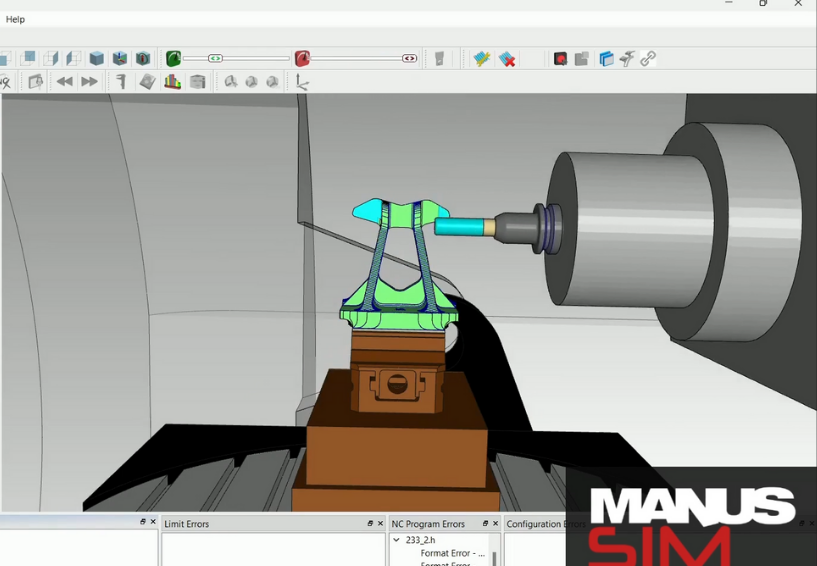
Why Use External CNC Simulation for G-Code Verification?
In the world of CNC machining, precision is paramount. One of the most critical steps in ensuring this precision is verifying the actual G-codes (NC programs) that will run on the machine. While many CAM software solutions include simulation features, these are typically limited to simulating tool paths, not the final G-codes generated after post-processing.
Here’s the key distinction:
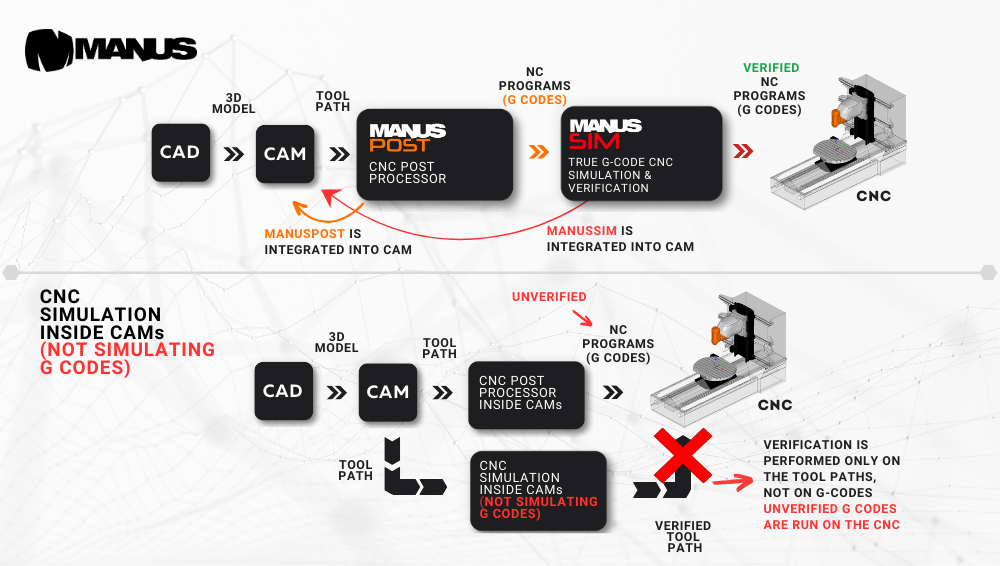
CAM-integrated simulation: Most CAM software includes a simulation feature designed to visualize the tool paths created during the CAM process. While this is a valuable tool for identifying potential issues in the tool path, it does not verify the G-code—the actual instructions the CNC machine will execute. After tool paths are prepared in the CAM software, the next step is post-processing, where the tool paths are converted into machine-specific G-code.
However, this post-processing step occurs entirely independently of the CAM-integrated simulation. This creates a significant gap in verification: the G-code generated by the post-processor may deviate from the simulated tool paths due to variations in post-processor settings, machine parameters, and control unit configurations. As a result, the simulation within the CAM software cannot guarantee that the G-code will behave as expected when executed on the CNC machine.
In essence, the CAM simulation process verifies only the tool paths and stops short of validating the actual machine-ready G-code. This limitation introduces potential risks such as unintended tool movements, inefficient machining paths, or even collisions—issues that only become apparent once the program is executed on the machine.
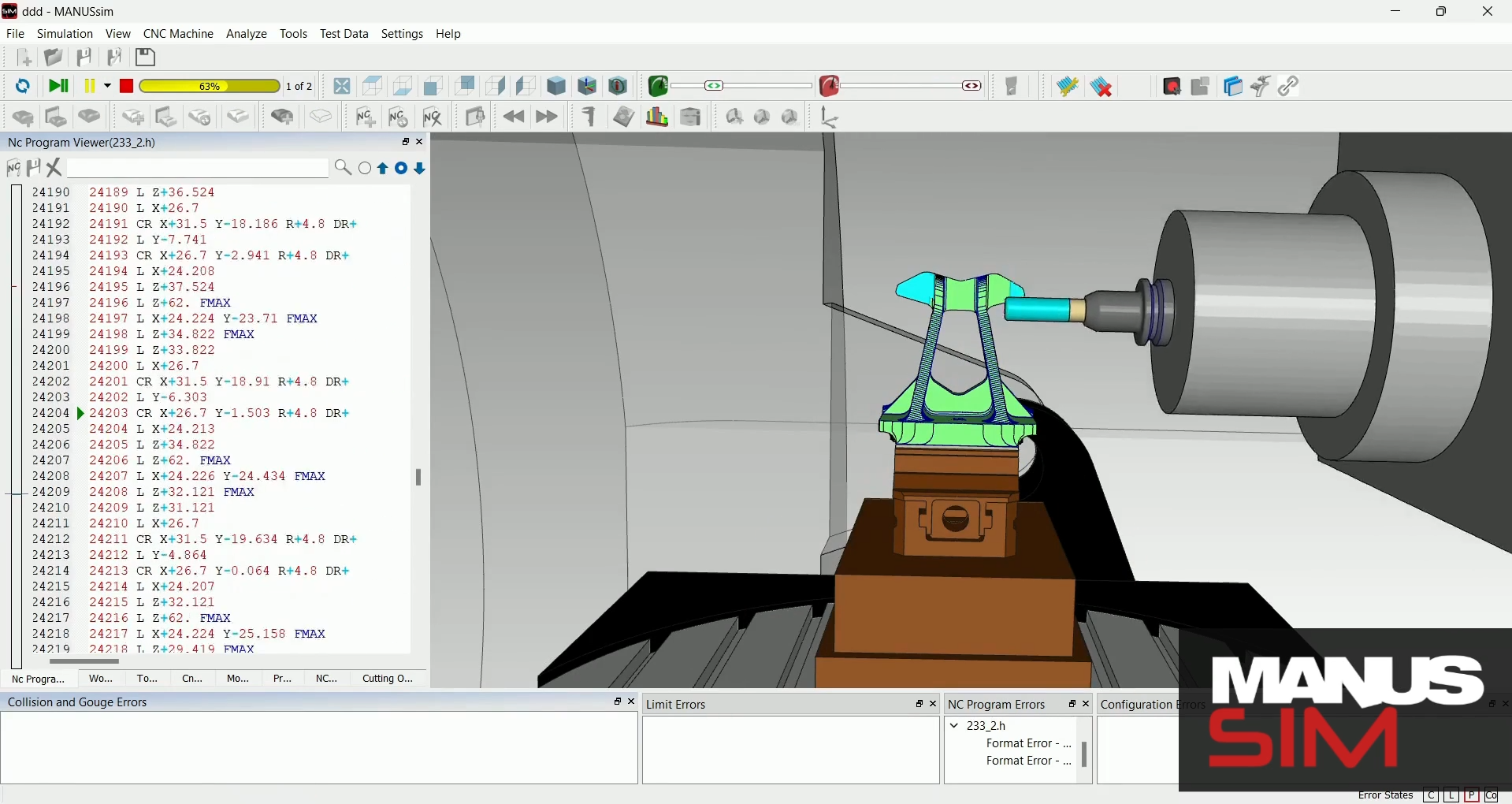
External G-code simulation: In contrast, external solutions like MANUSsim focus on simulating the actual G-code generated after post-processing. By directly verifying the machine-ready G-code, these tools bridge the gap left by CAM-integrated simulation, offering an accurate representation of what will occur on the CNC machine.
This approach ensures that every step in the workflow—from CAM to post-processing to machine execution—is verified, reducing errors and enhancing workflow reliability. By incorporating external G-code simulation, manufacturers can achieve greater confidence in their machining processes, mitigate costly mistakes, and streamline operations.
Why does this matter?
Using a tool like MANUSsim eliminates guesswork and enhances workflow linearity:
Prepare the CAM program.
Post-process to generate machine-specific G-codes.
Simulate and verify the actual G-code in MANUSsim.
As you can see in the flowchart below, the process with external G-code simulation is much more linear and reliable compared to relying solely on CAM-integrated simulation.
A Common Misconception
Some CAM systems advertise features like “true G-code simulation,” but it’s crucial to understand the nuances of what this entails. While these systems may attempt to simulate the G-code, they often operate within the constraints of their integrated environment, which may not fully account for the intricacies of the CNC machine’s setup or post-processor output. These simulations typically prioritize convenience and integration but may fall short in accurately reflecting the real-world behavior of the CNC machine.
External solutions like MANUSsim, on the other hand, are specifically designed to focus exclusively on simulating the actual G-code. This specialization allows for a much higher degree of accuracy and reliability, as the simulation directly mirrors the machine’s configuration, including kinematics, tool offsets, and post-processor parameters. Such precision ensures that the NC program behaves as intended on the machine, minimizing errors and potential production delays.
Why Choose MANUSsim?
MANUSsim offer a more comprehensive approach by simulating the actual G-code generated after post-processing. This ensures a seamless and accurate verification process from CAM to post-processor to CNC machine.
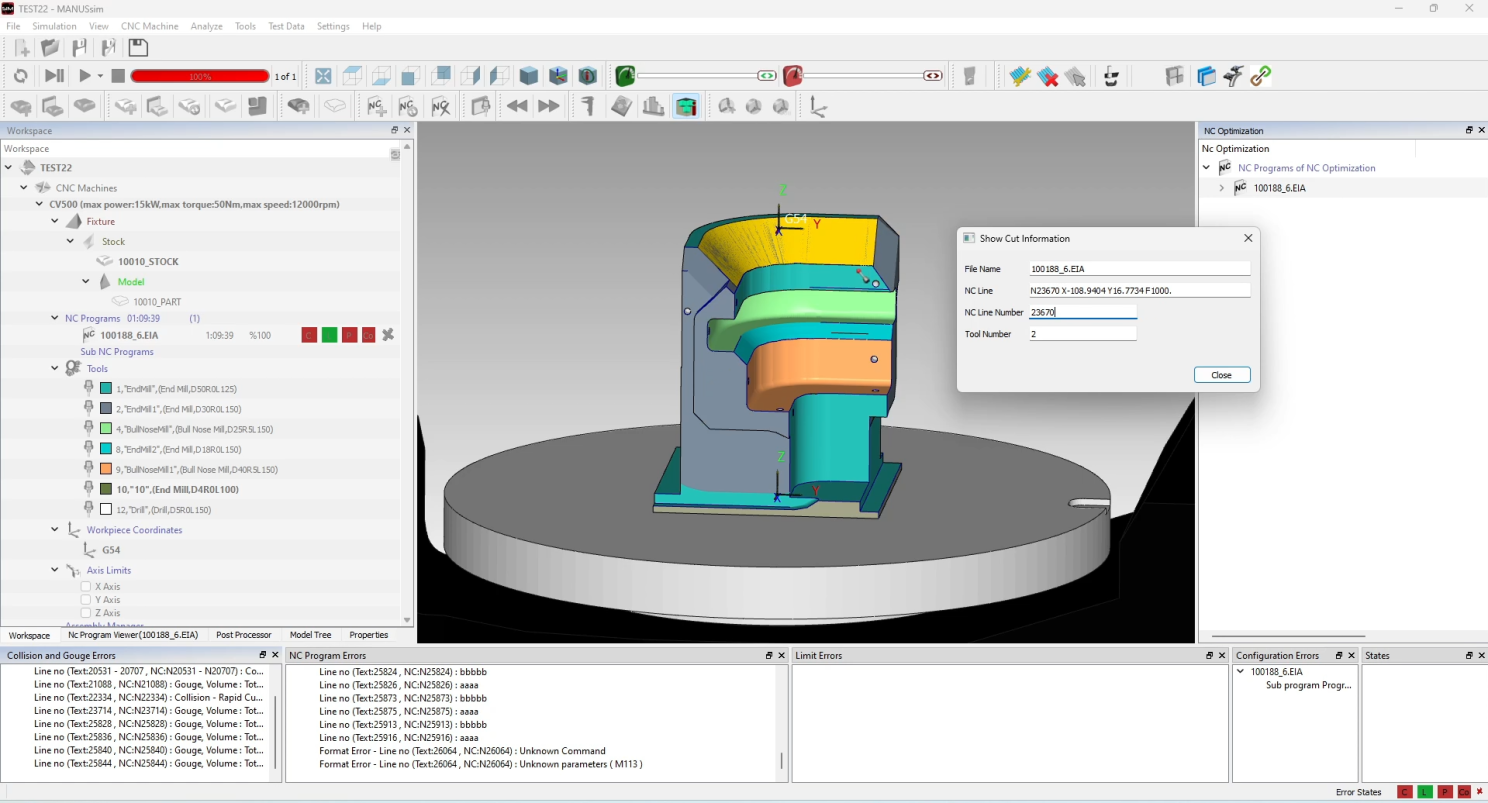
MANUSsim’s primary advantage lies in its speed and accuracy. It is specifically designed to detect critical errors such as collisions, axis overtravels, NC program errors, gouges, rapid cuts, and incorrect tool sizes. By catching these issues during the simulation stage, it prevents costly mistakes and machine downtime.
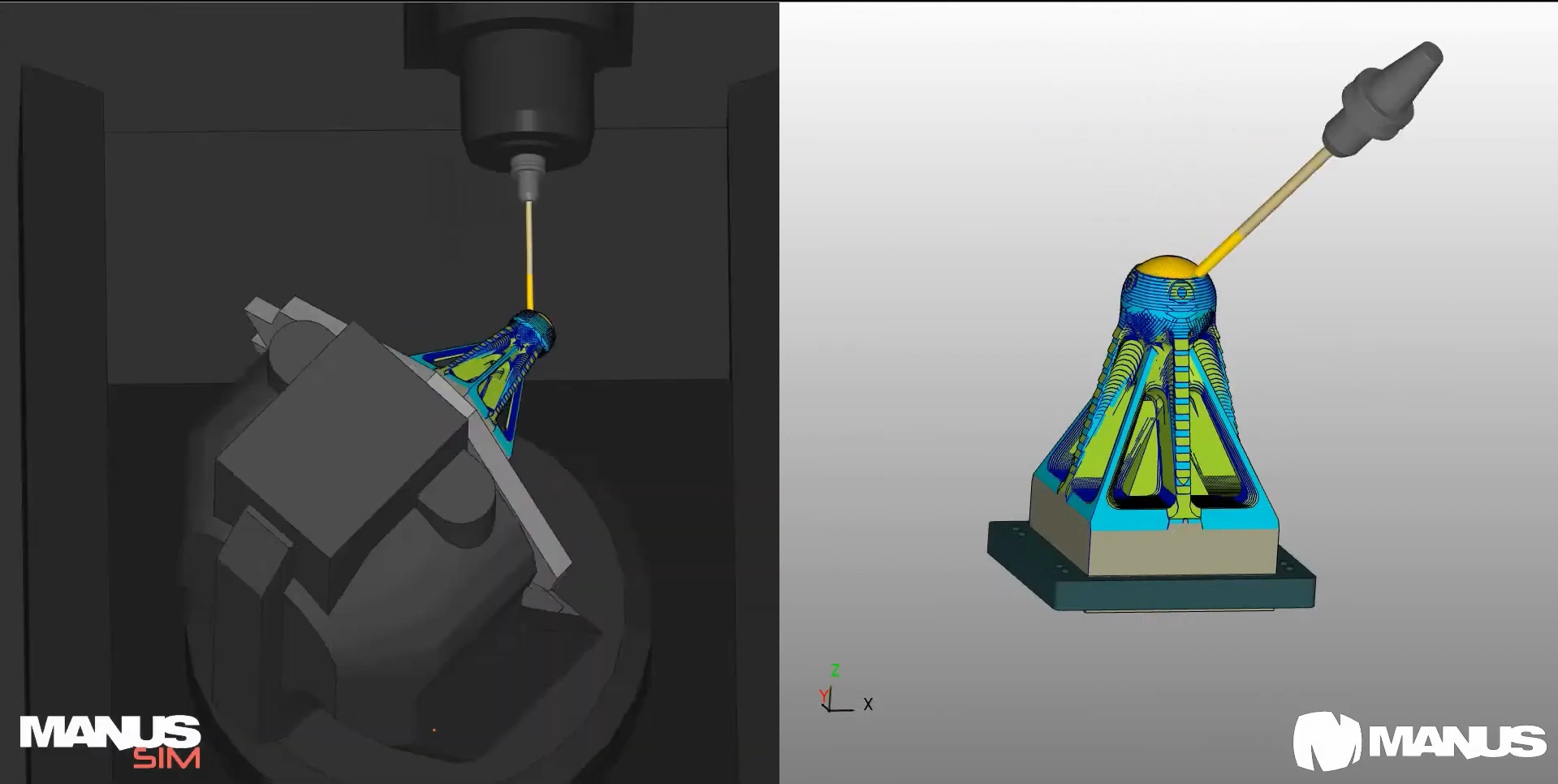
In addition to its precision, MANUSsim is highly user-friendly and integrates seamlessly with major CAM software on the market. Its extensive CNC machine tool library allows users to select from a wide variety of pre-configured machines, making it adaptable for diverse manufacturing environments. Moreover, its affordability makes it accessible to a broad range of users, from small workshops to large-scale manufacturing facilities.
We are also excited to introduce MANUSsim Editor, a powerful new tool that allows you to create and customize your own CNC machines for simulation. With this feature, you can choose a machine from our extensive library or upload your own 3D models, providing unparalleled flexibility and control over your simulation process.
Have questions or want to learn more? Let us know—we’d love to help!