





SIMULATION AND
VERIFICATION SOFTWARE
Prevent collisions with G-code–driven simulation






No More Errors
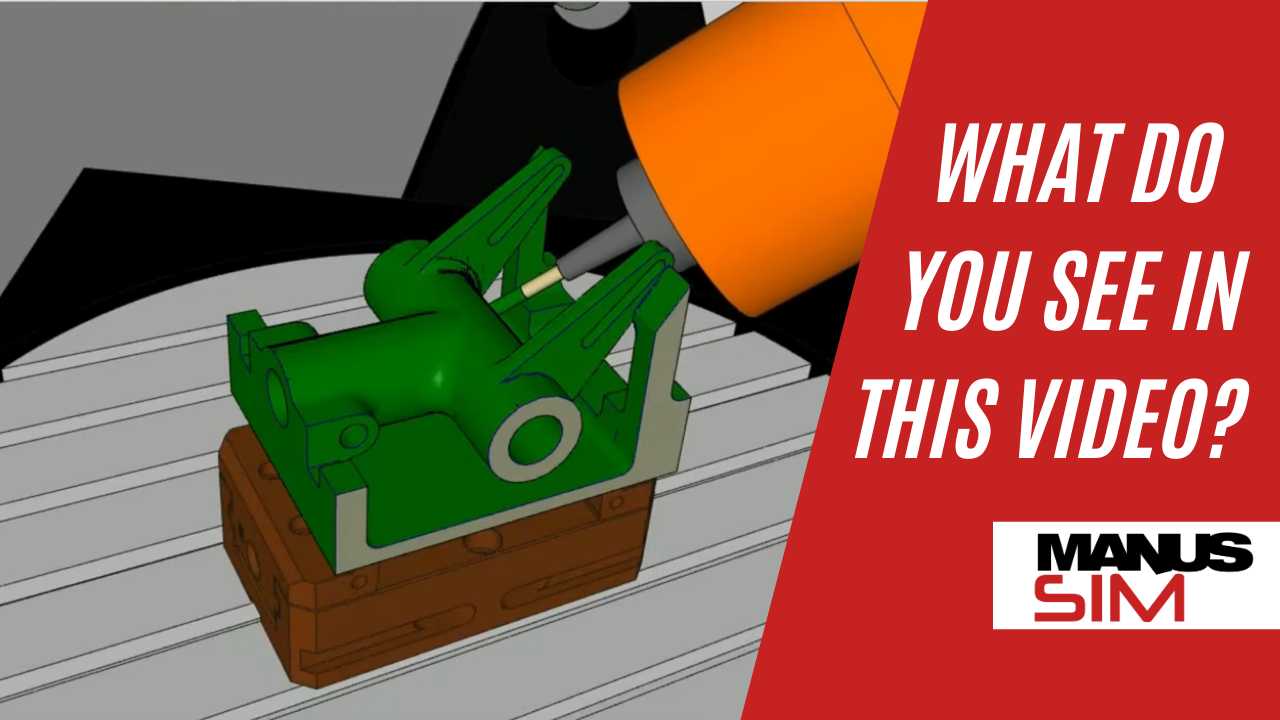
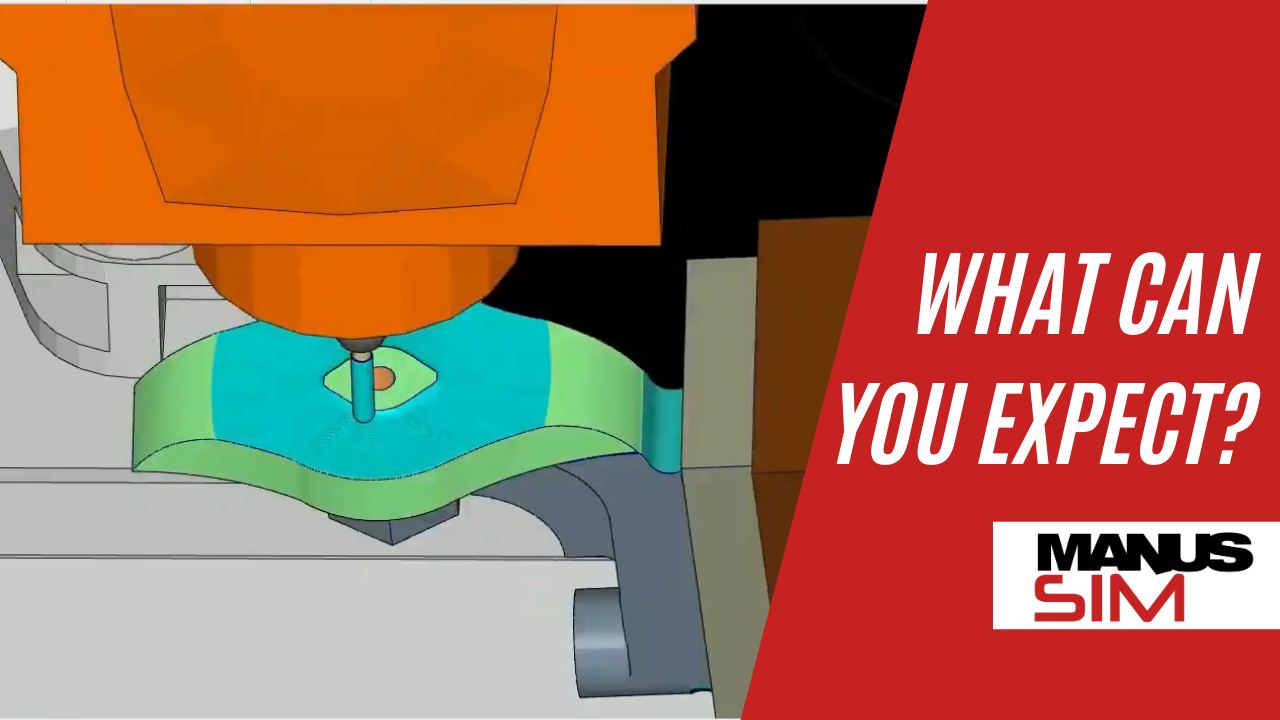
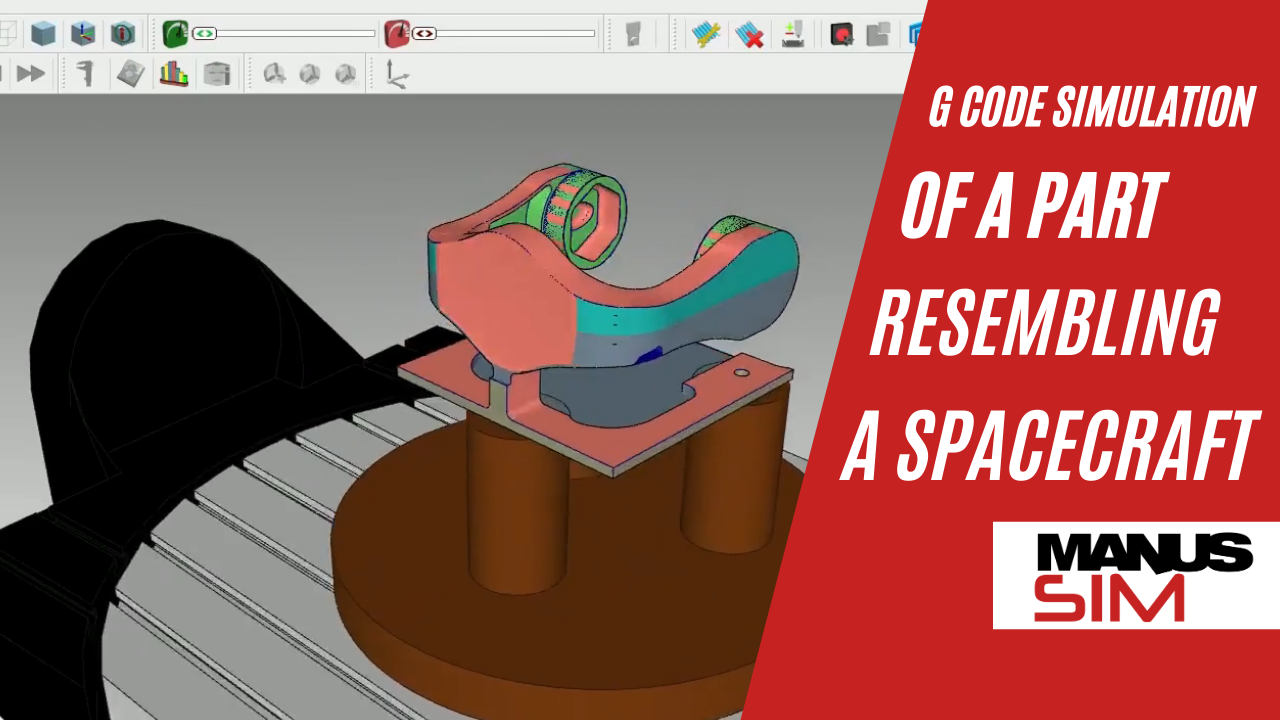
By simulating the actual G-codes that are going to be working on your machine MANUSsim can detect all the errors and alert you before manufacturing starts
Maximum Compatibility
You can leverage the power of MANUSsim regardless of your CAM software. All you have to do is import your 3d models, APT/CL output and NC program

Work Simultaneously
Since MANUSsim is a seperate software that is not tied down to any CAM software you can keep working on your CAM projects while running simulations

Seamless Integrations
MANUSsim is seamlessly integrated with major CAM software such as Fusion, Mastercam, Siemens NX, Creo and Powermill. You can transfer all your CAM data with jus a few clicks.

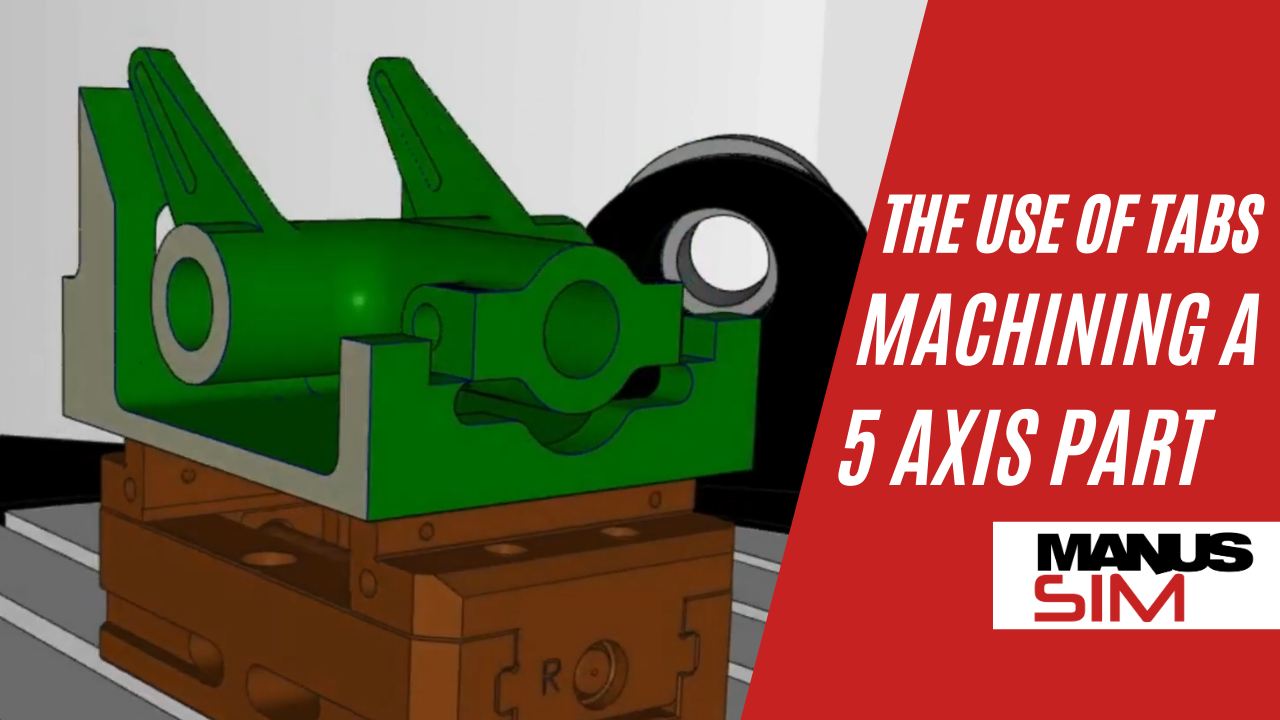
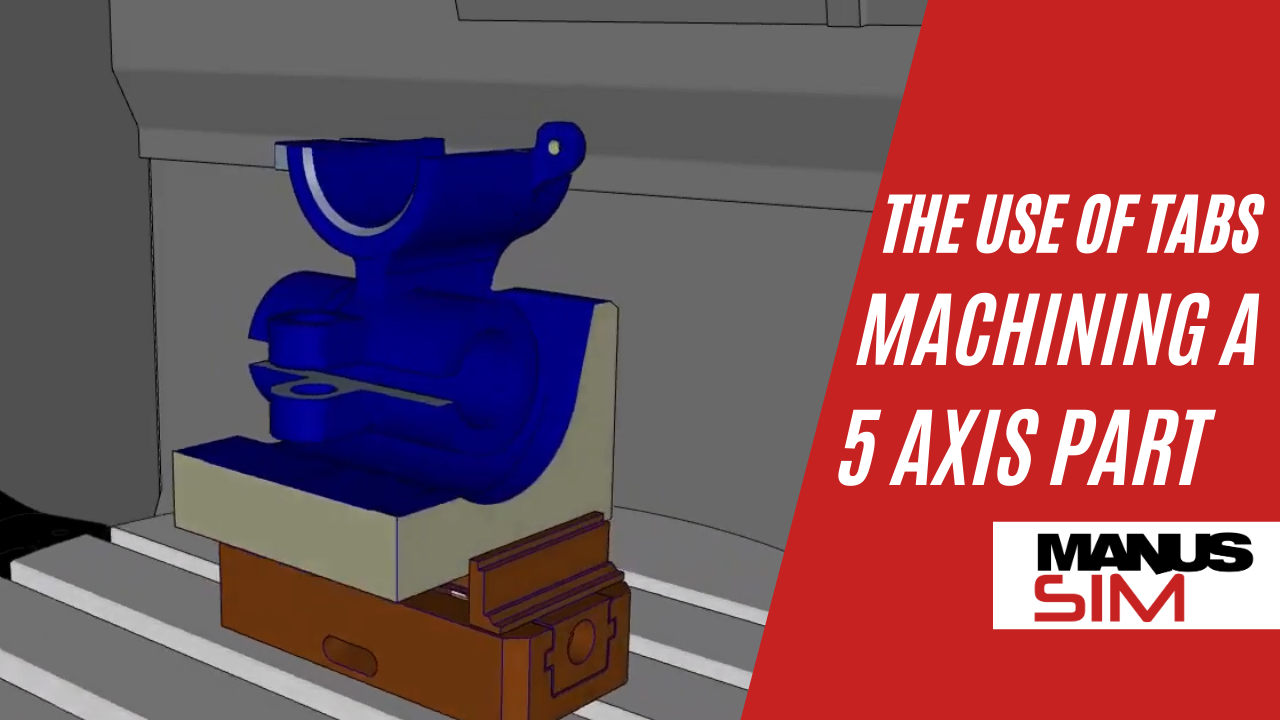
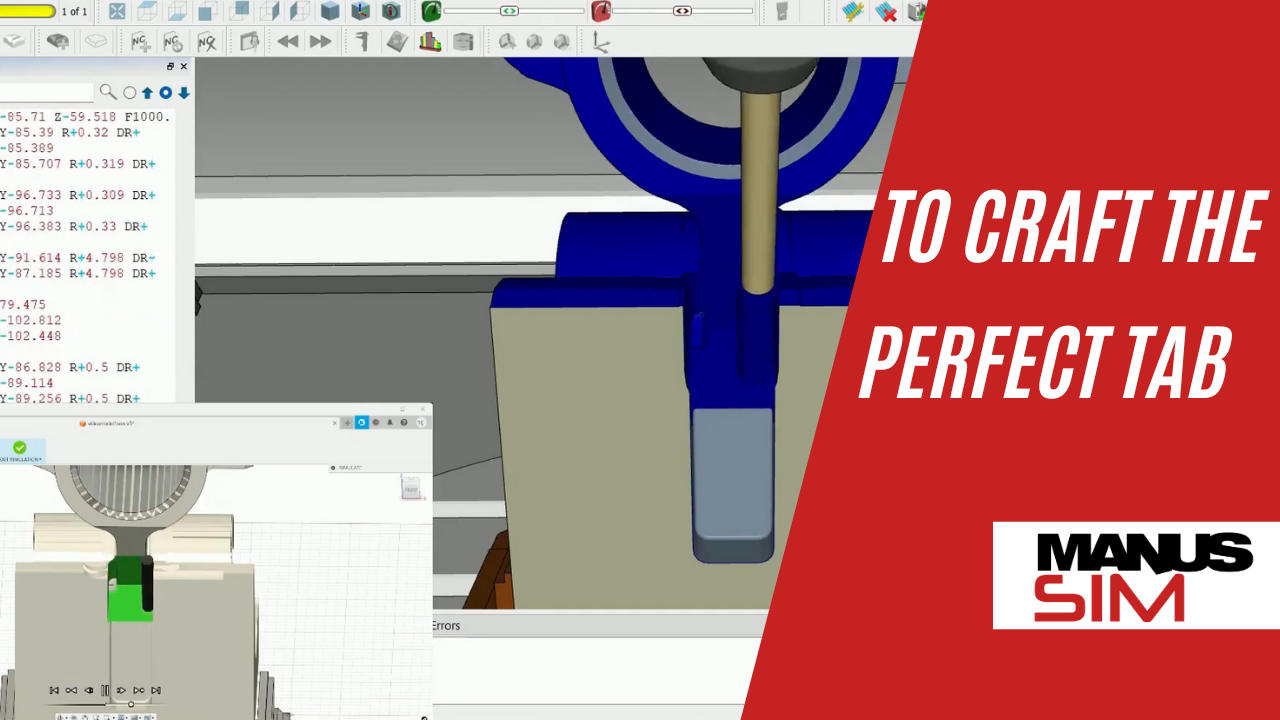
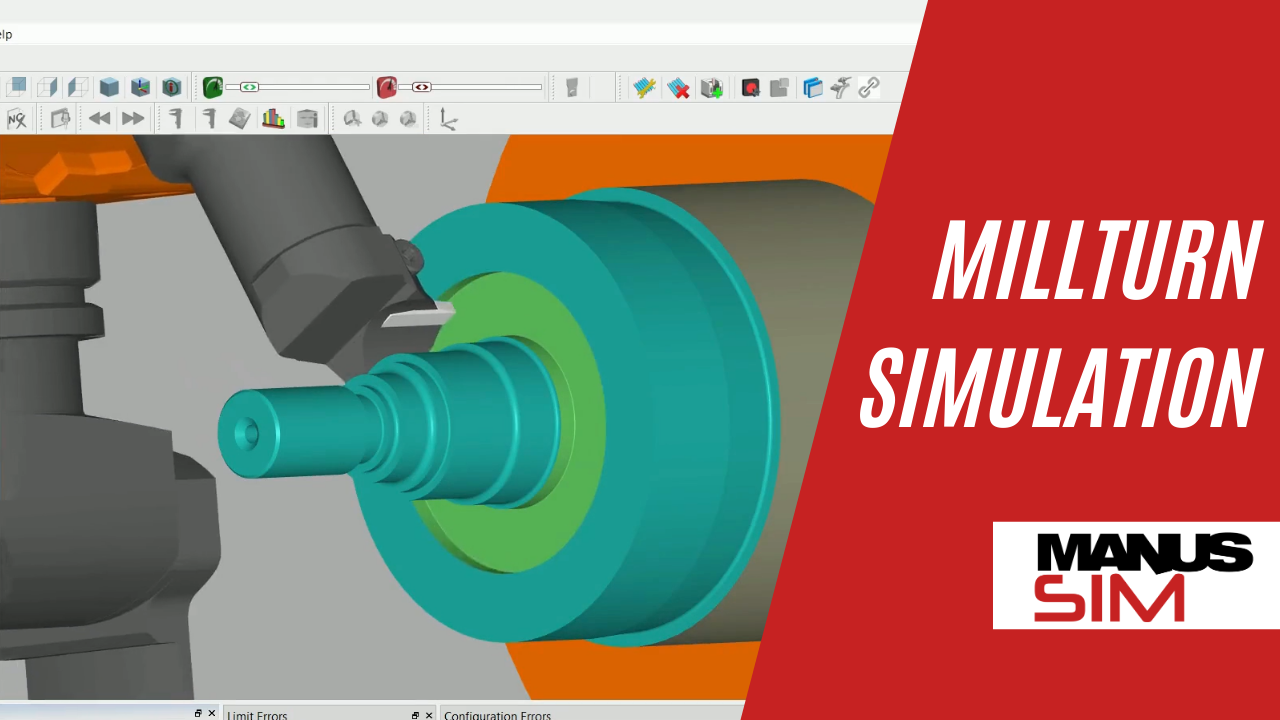

MANUSsim, seamlessly integrates with major CAM software, including Mastercam. Thanks to this integration, you can easily transfer your setup from Mastercam to MANUSsim to accurately simulate your G-codes.
The elements you can transfer with just a few clicks are:
- Fixture
- Stock
- Model
- Reference Axis
- Tools
Please contact MANUS Software for integration setup files.
MANUSsim, seamlessly integrates with major CAM software, including Autodesk Fusion. Thanks to this integration, you can easily transfer your setup from Fusion to MANUSsim to accurately simulate your G-codes.
The elements you can transfer with just a few clicks are:
- Fixture
- Stock
- Model
- Reference Axis
- Tools
Please contact MANUS Software for integration setup files.
MANUSsim, seamlessly integrates with major CAM software, including Siemens NX. Thanks to this integration, you can easily transfer your setup from Siemens NX to MANUSsim to accurately simulate your G-codes.
The elements you can transfer with just a few clicks are:
- Fixture
- Stock
- Model
- Reference Axis
- Tools
Please contact MANUS Software for integration setup files.
MANUSsim, seamlessly integrates with major CAM software, including CATIA. Thanks to this integration, you can easily transfer your setup from CATIA to MANUSsim to accurately simulate your G-codes.
The elements you can transfer with just a few clicks are:
- Fixture
- Stock
- Model
- Reference Axis
- Tools
Please contact MANUS Software for integration setup files.
MANUSsim, seamlessly integrates with major CAM software, including Powermill. Thanks to this integration, you can easily transfer your setup from Powermill to MANUSsim to accurately simulate your G-codes.
The elements you can transfer with just a few clicks are:
- Fixture
- Stock
- Model
- Reference Axis
- Tools
Please contact MANUS Software for integration setup files.

MANUSsim, seamlessly integrates with major CAM software, including Solidcam. Thanks to this integration, you can easily transfer your setup from Solidcam to MANUSsim to accurately simulate your G-codes.
The elements you can transfer with just a few clicks are:
- Fixture
- Stock
- Model
- Reference Axis
- Tools
Please contact MANUS Software for integration setup files.
MANUSsim, seamlessly integrates with major CAM software, including Creo. Thanks to this integration, you can easily transfer your setup from Creo to MANUSsim to accurately simulate your G-codes.
The elements you can transfer with just a few clicks are:
- Fixture
- Stock
- Model
- Reference Axis
- Tools
Please contact MANUS Software for integration setup files.
MANUSsim, seamlessly integrates with major CAM software, including WorkNC. Thanks to this integration, you can easily transfer your setup from WorkNC to MANUSsim to accurately simulate your G-codes.
The elements you can transfer with just a few clicks are:
- Fixture
- Stock
- Model
- Reference Axis
- Tools
Please contact MANUS Software for integration setup files.