



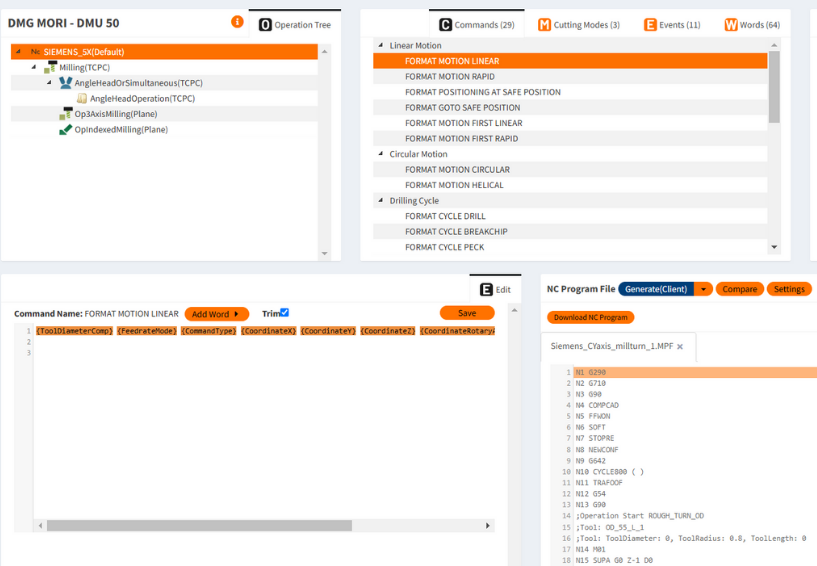
In the fast-evolving world of CNC machining, efficiency is key. CNC post processing, the final step between your CAM software and the CNC machine, can often be a complex and time consuming process. But with MANUSpost developer, all of that changes. It offers unparalleled flexibility and ease, allowing you to execute advanced post processor customizations with just a click. Here are 9 post processor tricks that MANUSpost developer makes effortlessly simple.
1. Generate G-code Instantly After Editing
MANUSpost developer, you can generate G code right after making any modifications. Everything is handled in one interface, saving you valuable time.
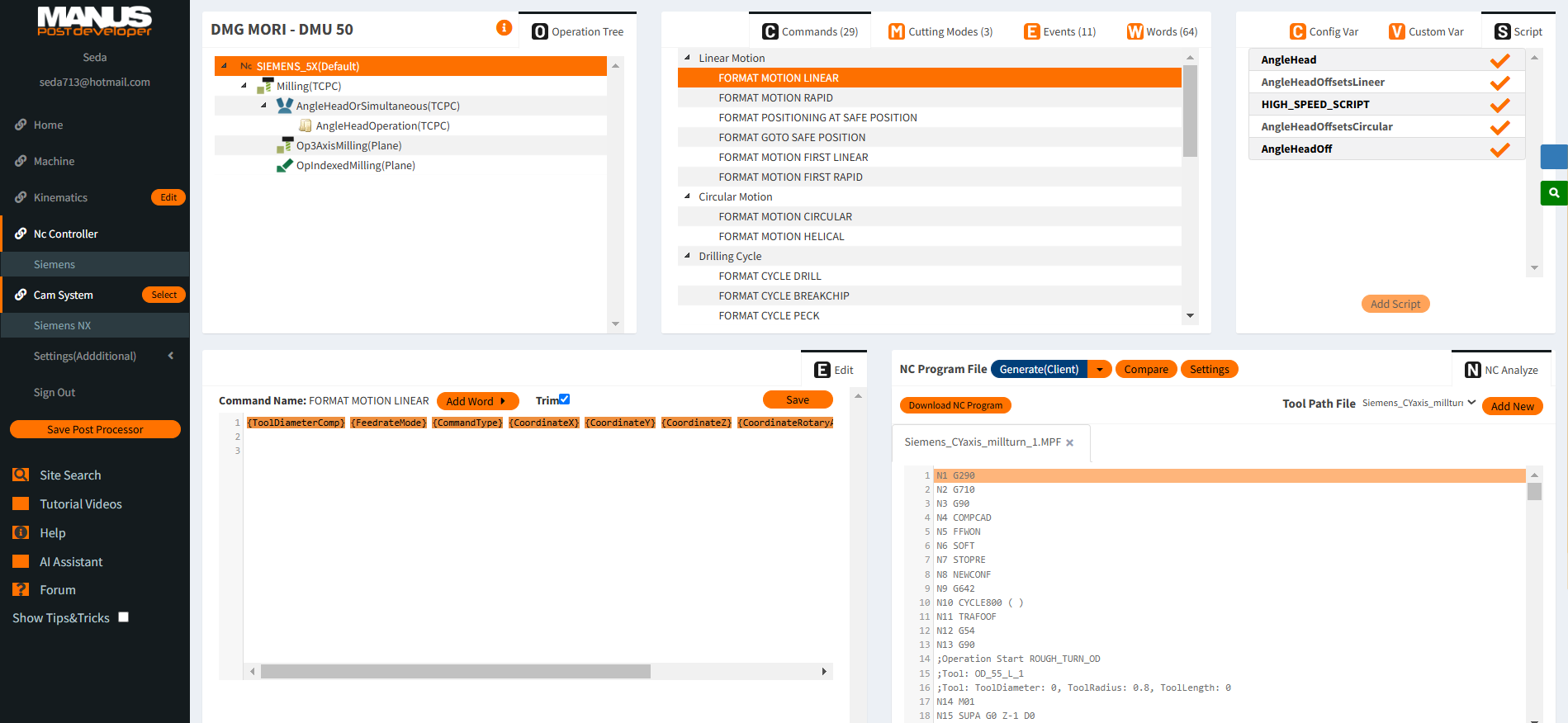
2. Customize NC Line Settings Independently
In MANUSpost developer, each NC line—whether it’s linear, rapid, or circular motion—can be customized independently. You can set different spindle speeds, tool change commands, and movement settings for each operation type without affecting others, giving you total control.
3. Format Motion Codes in One Click
One of the standout features of MANUSpost developer is its ability to format motion codes such as “Format Motion Linear” or “Format Motion Helical” in a single step. This enables you to adjust critical motion formats for your operations quickly and without hassle.
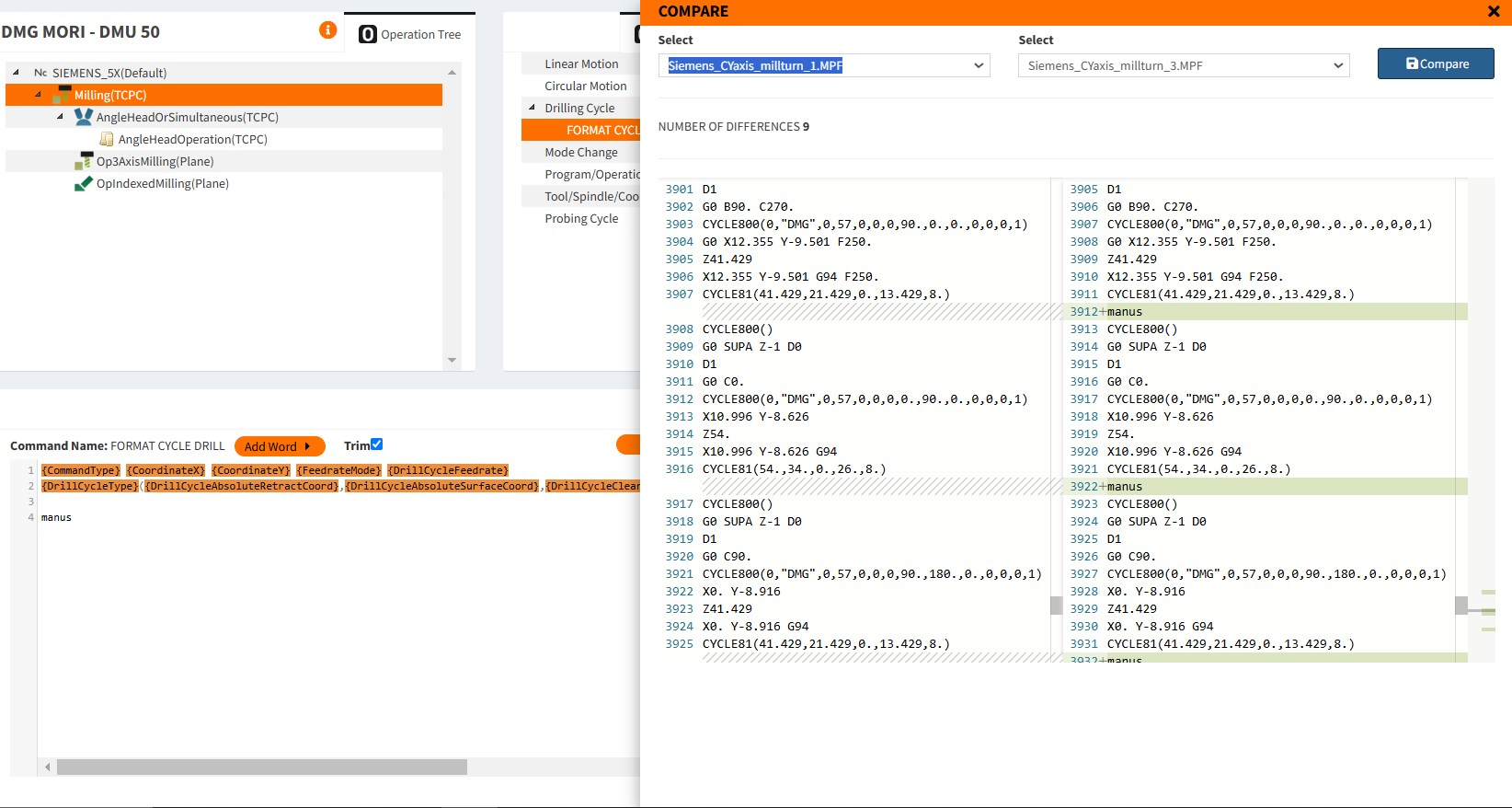
4. Quick NC Program Comparison
Have you ever needed to compare two versions of your NC programs to see what changed? With MANUSpost developer’s quick comparison feature, you can instantly highlight differences in G-codes between versions, making it easier to identify and correct errors.
5. Test Post Processors Without Uploading APT Files
MANUSpost developer offers ready-to-use APT/CL files for testing post processors. You can test your post processor edits immediately, without needing to upload your own files—perfect for rapid prototyping and quick checks.
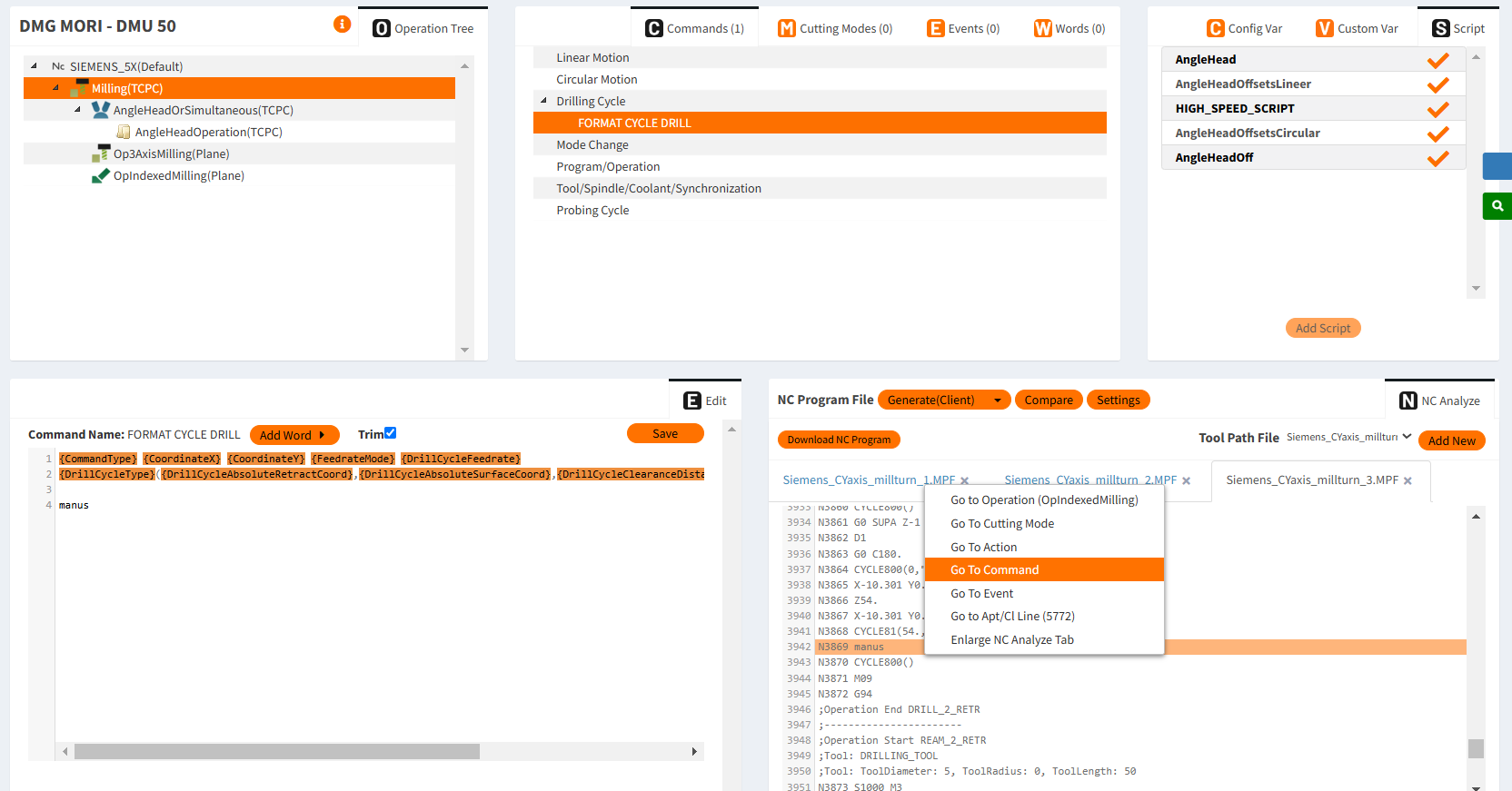
6. Edit NC Commands with Right-Click
Sometimes you need to make small but important changes to your NC commands. With MANUSpost developer, just right-click on any NC line to see how it was generated and make the necessary adjustments, streamlining the whole process.
7. Use Scripts to Add Custom Features
One of the most powerful features of MANUSpost developer is its ability to integrate user-defined scripts anywhere in the post-processing flow. Whether it’s adding custom toolpaths or automating repetitive tasks, you can do it all with just a few lines of code.
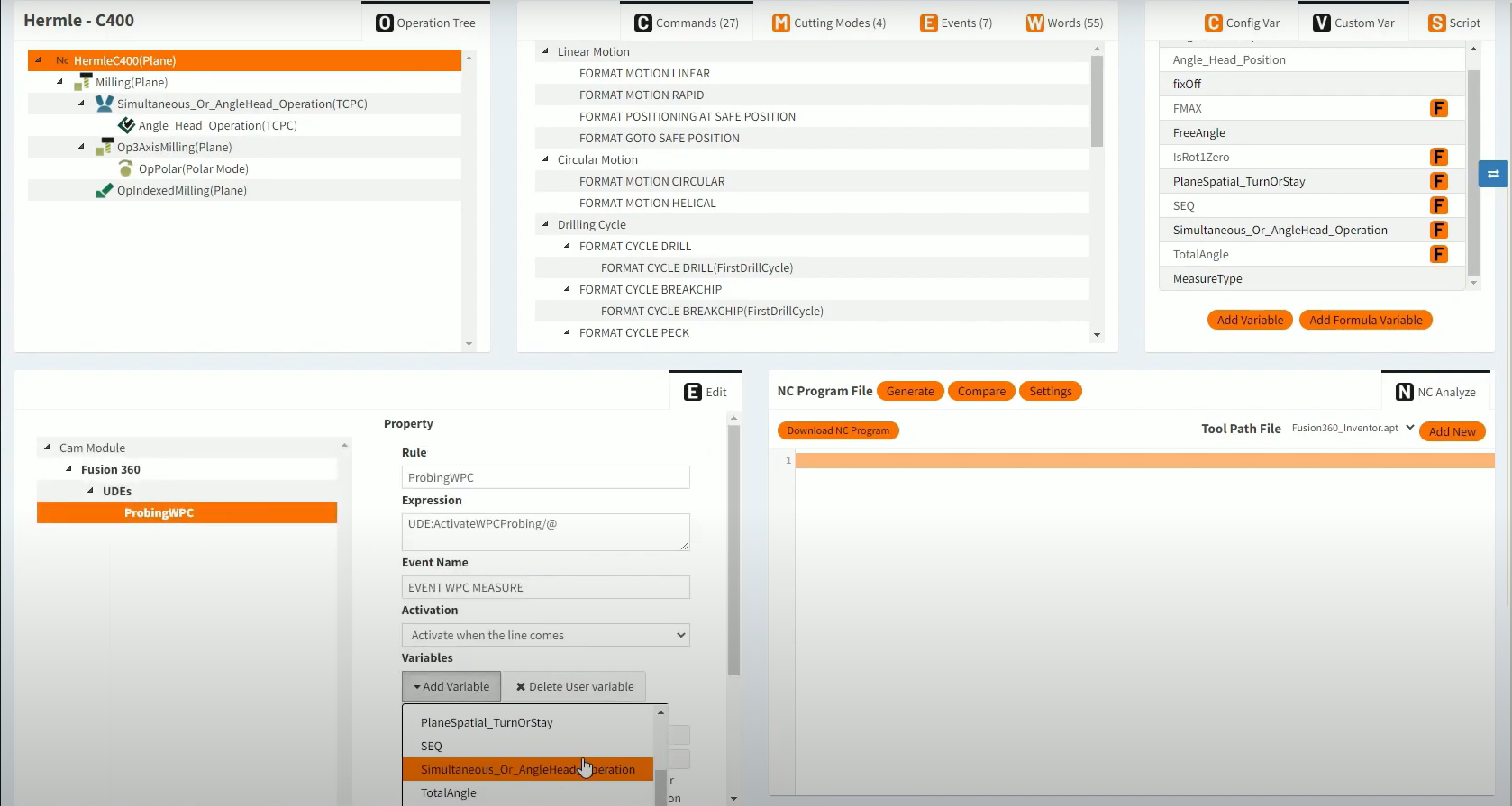
8. One-Click Integration of User-Defined Variables (UDEs)
UDEs are critical for advanced post-processing, and MANUSpost developer lets you incorporate them effortlessly. You can add your own UDEs or use existing ones tailored for various CAM software, enabling you to further customize how post processors interact with NC programs.
9. Create a Post Processor from Scratch
Building a new post processor usually requires deep knowledge of both the CNC machine and the CAM software. But with MANUSpost developer, creating one from scratch is simplified. You can choose from existing post processors or start from zero, all within a single screen.
Conclusion
MANUSpost developer puts powerful CNC post-processing capabilities in the hands of anyone, from seasoned professionals to newcomers. With these one click tricks, you’ll be able to work faster, smarter, and more efficiently, taking your post processor development to new heights. Whether you’re managing horizontal milling machines or tackling multi-axis systems, MANUSpost developer empowers you with the tools you need to succeed.
Try now: postdeveloper.manusnc.com