



The world of CNC machining is evolving fast. Stand still, and you fall behind.
One of the clearest signs of this shift? CAM software alone is no longer enough. Because CAM is just the beginning. Real productivity happens after the toolpath is generated.
CAM vs. Optimized G-Code
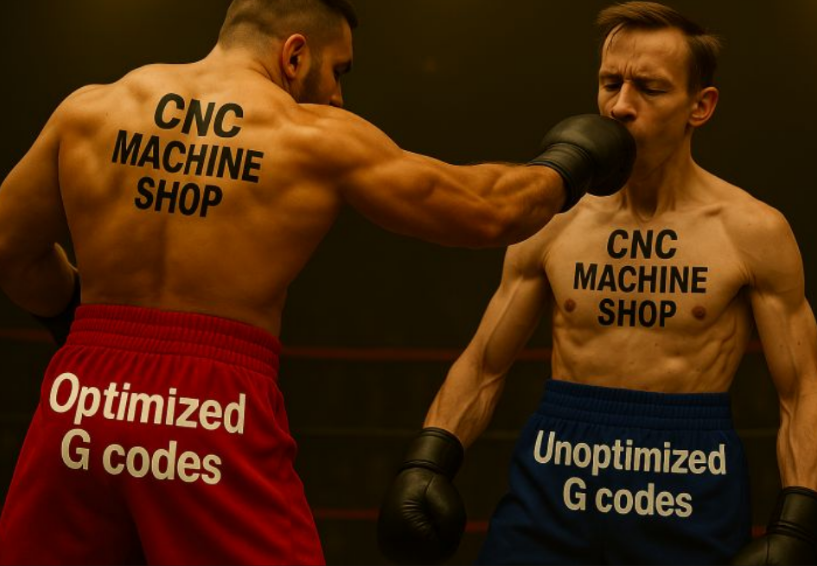
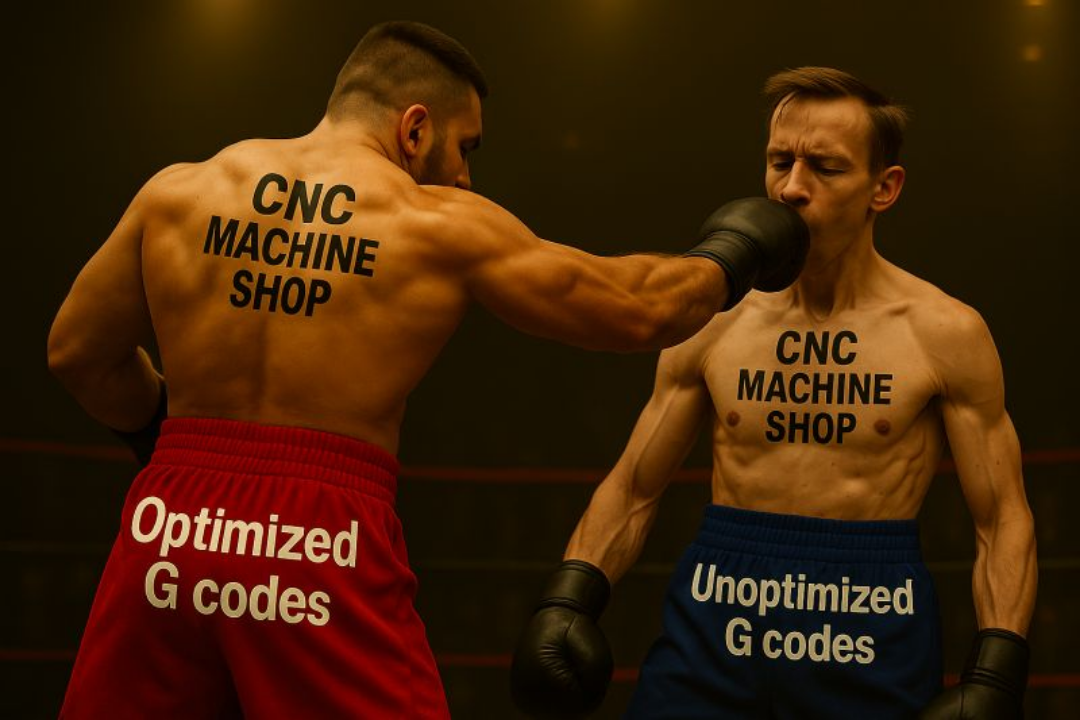
Imagine a boxing match:
In one corner: A shop that sends CAM-generated toolpaths directly to the machine—unoptimized, unchecked, vulnerable to inefficiencies.
In the other corner: A shop that runs every G-code through MANUSsim Optimize—refining, accelerating, and protecting the machining process before a single chip is made.
Which one wins?
Smart Decisions After CAM with MANUSsim Optimize
MANUSsim Optimize steps in after CAM and delivers:
✅ Significantly shorter cycle times
✅ Safer cuts with less tool wear
✅ Higher machining efficiency—without manual edits
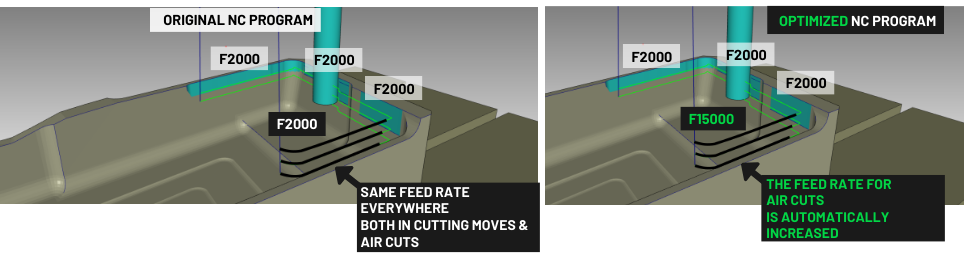
✅ Removal of unnecessary rapid moves (non-cutting)
✅ Line-by-line recalculation of feedrates based on actual cutting depth and width
✅ Optimized, safe, and correct G-code that runs right on the first try
Simple Setup, Maximum Compatibility
No complex installation. Just run the simulation—MANUSsim Optimize does the rest.
💡 Works with any CAM software (Mastercam, Siemens NX, Fusion 360, SolidCAM, and more) 💡 Supports all milling machines—3-axis to 5-axis 💡 Seamlessly integrates with any CNC controller (Fanuc, Siemens, Heidenhain, Mitsubishi…)
Are You Ready for the Future?
Those using MANUSsim Optimize are already ahead of the curve. They understand:
CAM is only half the journey. The real challenge is asking: “Can this be done faster, safer, smarter?”
And those who aren’t? They’re losing time. Wasting energy. Falling behind.
A New Era Beyond CAM
MANUSsim Optimize isn’t just a new feature. It’s a must-have for today’s competitive CNC environment.
Start making better decisions after CAM. Test your G-codes smarter. Manufacture better.