
Post code is complex and vendor-locked.
Traditional post editing means learning a script language, reading vendor-specific syntax and trusting one external expert for every change. Small teams simply cannot own this.
 MANUSpost developer
 CNC Post Processing Reinvented:
Drag-and-drop logic blocks, instantly preview NC output, and collaborate on the same post-processor from any location.
Waiting weeks for a post change is not a technical necessity. Rebuilding the same post logic for every CAM is not efficiency. Depending on a single vendor-reseller for every small revision is not scalability.
Traditional post editing means learning a script language, reading vendor-specific syntax and trusting one external expert for every change. Small teams simply cannot own this.
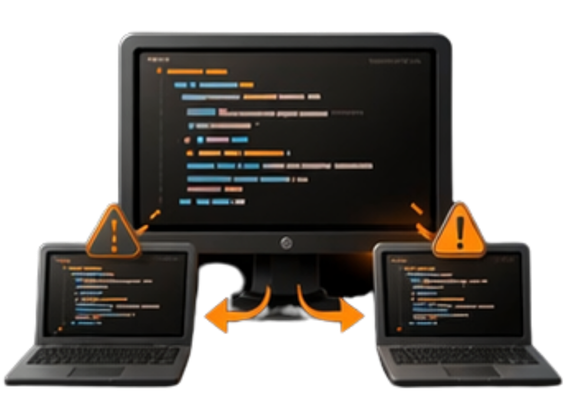
Each CAM system expects its own post format. The same logic ends up rewritten again and again just to fit different software — the work duplicates, the output stays the same.

Post-processor expertise is scarce because CAM systems are closed and vendors / resellers are reluctant to share knowledge. This steep learning curve creates a bottleneck where every minor tweak depends on an unavailable specialist.

If a minor format revision, M-code update or sequence change still creates days / weeks even months of delay, the workflow is broken long before the machine starts cutting.
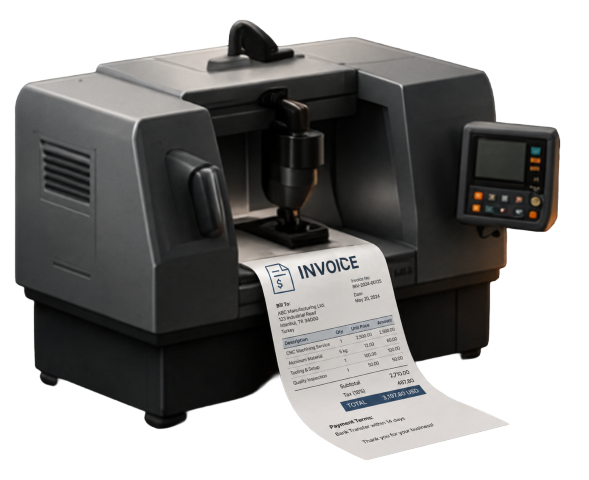
If you want to get service for cheap or free posts, there is actually a hidden cost. You actually have to update your CAM software just to get that post service.
No scripts to learn. No tickets to wait for. No rebuild when you switch CAM. MANUSpost developer puts the post logic back in your hands — visually.
With 600+ ready-to-use posts, 90% — sometimes 100% — of your post is already done. If small tweaks are needed, they take seconds, not days.
Build and validate your post in the browser at zero cost. Purchase the lifetime license only after the NC output passes your own validation on real jobs.
Don't know Python, C#, Visual Basic or any other scripting language? No problem at all. MANUSpost developer uses a fully visual drag-and-drop interface — if you can describe what your machine needs, you can build the post.
Define post logic once and extend it across 23+ CAM systems. Switching CAM never means rebuilding the same post again.
Only your post configuration lives in the cloud — part files, NC output and proprietary data never leave your machine. Edit and collaborate online, but your IP stays fully yours.
Click any line in your NC output and right-click to instantly see exactly how that line was generated — which post logic block produced it, which parameter controls it, and how to change it.
Verify your post output in a real G-code CNC simulation with a single click — without switching tools, without exporting files. A first-of-its-kind integration that closes the loop between post development and machine verification instantly.
Just tell the AI what you want changed in your post — it understands your intent and applies the modification automatically. No manual digging through post logic. A paradigm shift in how post-processors are built and maintained.
A complete post-processor workflow that fits in a single browser tab. No installations, no scripts, no waiting on a vendor.
Pick a post that already matches your exact machine and controller from the 600+ library. You skip days of setup from scratch and start from a known-good baseline.
DMG MORI DMU 50
✓ VERIFIEDSiemens 840D sl · 5 Axis · Milling
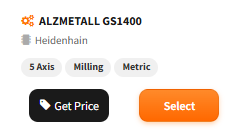
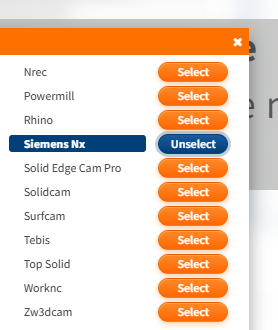
Connect the post to your CAM and extend it to more CAMs anytime. You never rewrite a post when switching CAM — one post logic, many CAM systems.
Preview and validate the full NC output directly in the browser. You catch issues before download and stop risking expensive trial runs on the real machine.
Build logic without coding
Deploy from browser without installation
Reuse same post across multiple CAMs
Collaborate in one cloud workspace
Speed of first working post
Every capability below replaces weeks of traditional post development with hours of visual work.
Pick a post that already matches your machine from the library and start producing NC in hours instead of weeks of setup from scratch.
Build and modify post logic through a drag-and-drop interface. No script language, no vendor manuals, no specialist dependency.
Configure axis layouts, travel limits, rotary heads and tables through a guided UI — the same complexity, none of the code.
Cloud workspace keeps your library, versions and edits in sync. Your whole team works from one source of truth, from any location.
Enterprise-grade encryption and granular access control keep your post-processor logic locked to your team. Your intellectual property is never exposed or resold.
600+
Post-Processor Library
23
Supported CAM Systems
20+
Years Experience
2400+
Number of Post-Processors Delivered
MANUSpost developer supports 23+ CAM systems — write one post, deploy across every CAM. Direct integrations with Fusion, Siemens NX and PowerMill included.
Run MANUSpost developer directly inside Autodesk Fusion for a browser-first workflow. Build post logic visually, send output to Fusion operations, and iterate without leaving your CAM context. For setup and plugin instructions, visit the MANUSpost developer help section.
Integration capabilities
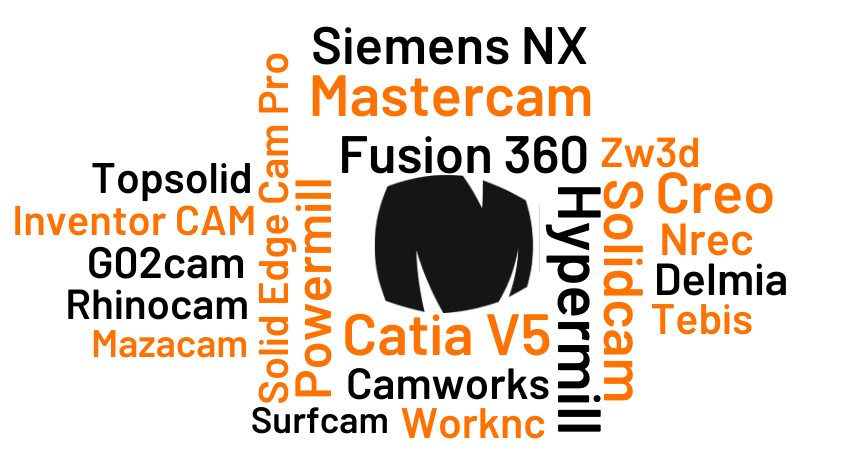
Connect Siemens NX jobs to MANUSpost developer and keep your post-processor logic centralized. Teams can align machine kinematics, operation strategy, and NC formatting through one web-based source of truth. For setup files, visit the MANUSpost developer help section.
Integration capabilities
Mastercam integration roadmap
Native embedded workflow is in progress. Request early-access setup support from the MANUS team.
Mastercam workflow support is being finalized for direct in-context usage. While native embedding is in progress, you can already prepare and validate post logic in the cloud workspace to shorten rollout time.
Integration capabilities
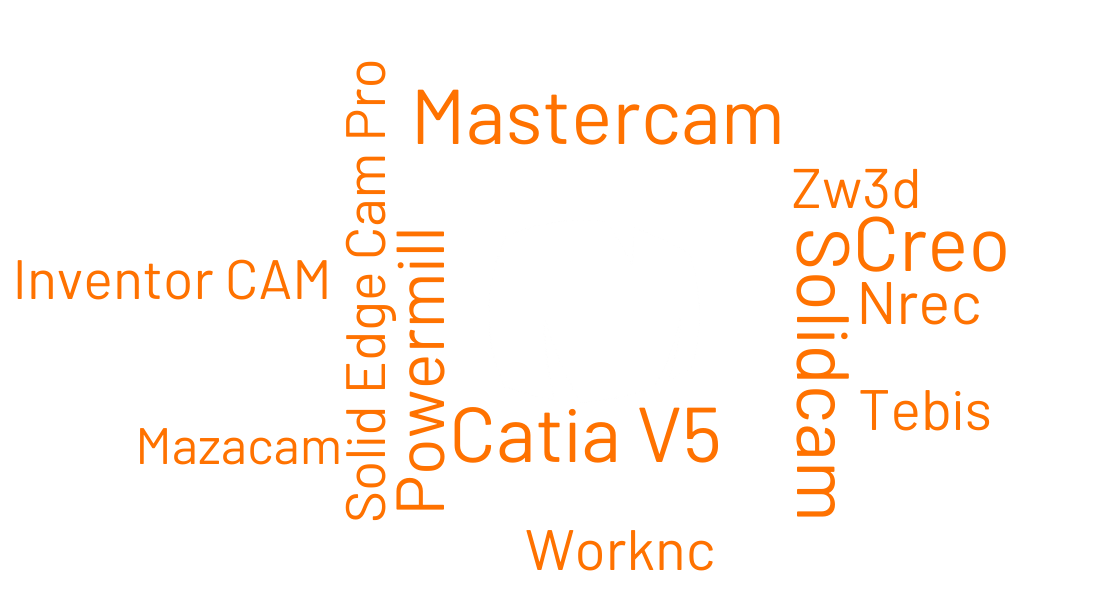
MANUSpost developer supports 23 CAM software systems. Create your post processor once and extend it to work with any supported CAM no need to start from scratch.
Explore 600+ pre-built post-processors for major CNC machine brands and models.
With one click, you can open this post processor directly in MANUSpost Developer and start testing right away. Go ahead — give it a try!
Open in POSTDeveloperTry every post free in the browser and buy the lifetime license only when satisfied. Every customer begins with Standard; Professional is added when deeper post development scope and broader control are needed. Post pricing varies by axis count, machine type and complexity.
MANUSpost Developer
The practical first step for every customer. Built for quick, safe changes and the fastest path into the MANUSpost Developer workflow.
Typical 5-axis post
From $1495
3-axis and 4-axis prices are lower
Shops and programmers who want a faster way to control post output, without waiting on the same slow revision cycle.
Professional package is also available — broader control and deeper post logic. From $3495
Everyone starts with Standard — the fastest entry point. From $1495
MANUSpost Developer
Broader control for more advanced post development needs. Used when the required scope goes beyond the Standard package.
Typical 5-axis post
From $3495
Pricing varies by machine and requirements
Companies that need broader control, deeper logic capability and a wider post development scope than Standard provides.
Every customer starts with Standard. Professional is used when broader control and deeper post development capability are required.
Quick output adjustments
No-code workflow
M-code / format / sequence changes
Required starting point for all customers
Advanced post logic control
Broader customization freedom
One post philosophy across many CAMs
Typical 5-axis post price
Standard and Professional are platform scopes. The numbers above are typical 5-axis post prices. 3-axis and 4-axis post prices are different and depend on machine and complexity.
“We cut our post change cycle from 2 weeks to under a day. For our 5-axis jobs, that difference translates directly into money we stopped leaving on the table.”

John Mueller
CNC Programming Manager
Precision Machining Corp
“Our distributed team now edits posts in the same cloud workspace. No more emailed scripts, no more vendor dependency — one source of truth for every CAM we run.”

Sarah Chen
Technical Director
Advanced Manufacturing Solutions
“Switching between our CAMs no longer means rewriting posts. One post logic is deployed across three CAM systems — without touching a single line of script.”

Michael Rodriguez
Operations Lead
Global CNC Services
“The 600+ post library saved us weeks of setup. We found our exact Heidenhain controller config on day one and were cutting validated parts by the end of the week.”

Thomas Weber
Head of CNC Operations
Alpine Aerospace GmbH
“No more waiting on vendor queues for a simple M-code change. Our team handles it in minutes now — the cost savings alone paid for the platform in the first month.”

Lisa Tanaka
CAM Department Lead
Pacific Precision Manufacturing
“We tested the post for free before committing. By the time we purchased the license, we already knew the NC output was exactly right for our machines.”

Robert Eriksson
Production Engineer
Nordic Tool & Die
Build and validate your CNC post-processor in the browser at zero cost. You only purchase the lifetime license after the output passes your own validation on real jobs.